AI Kissing
Generator
Make AI Kiss Videos & Images Online
Start with two adult portraits or one couple photo, choose a kiss style, and explore a sample video. Prefer to write your scene? Try the text tools below.
What Is an AI Kissing Generator?
An AI kissing generator helps you plan a kiss video or image from photos or a written scene. On this page, add two adult portraits or one couple photo and choose a video template. To work without photos, start with the text-to-video or text-to-image tool below.
Explore AI Kiss Videos and Images
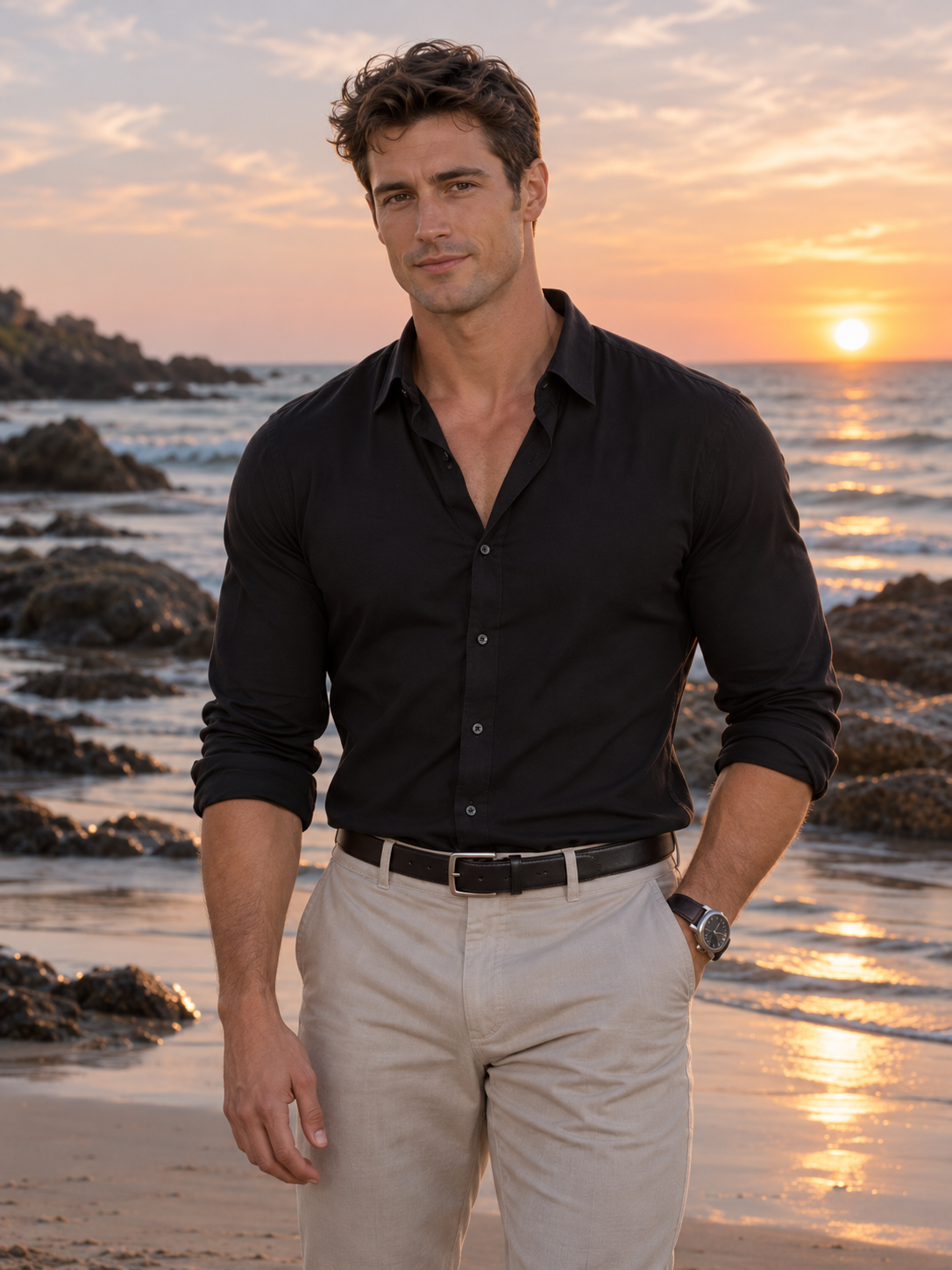
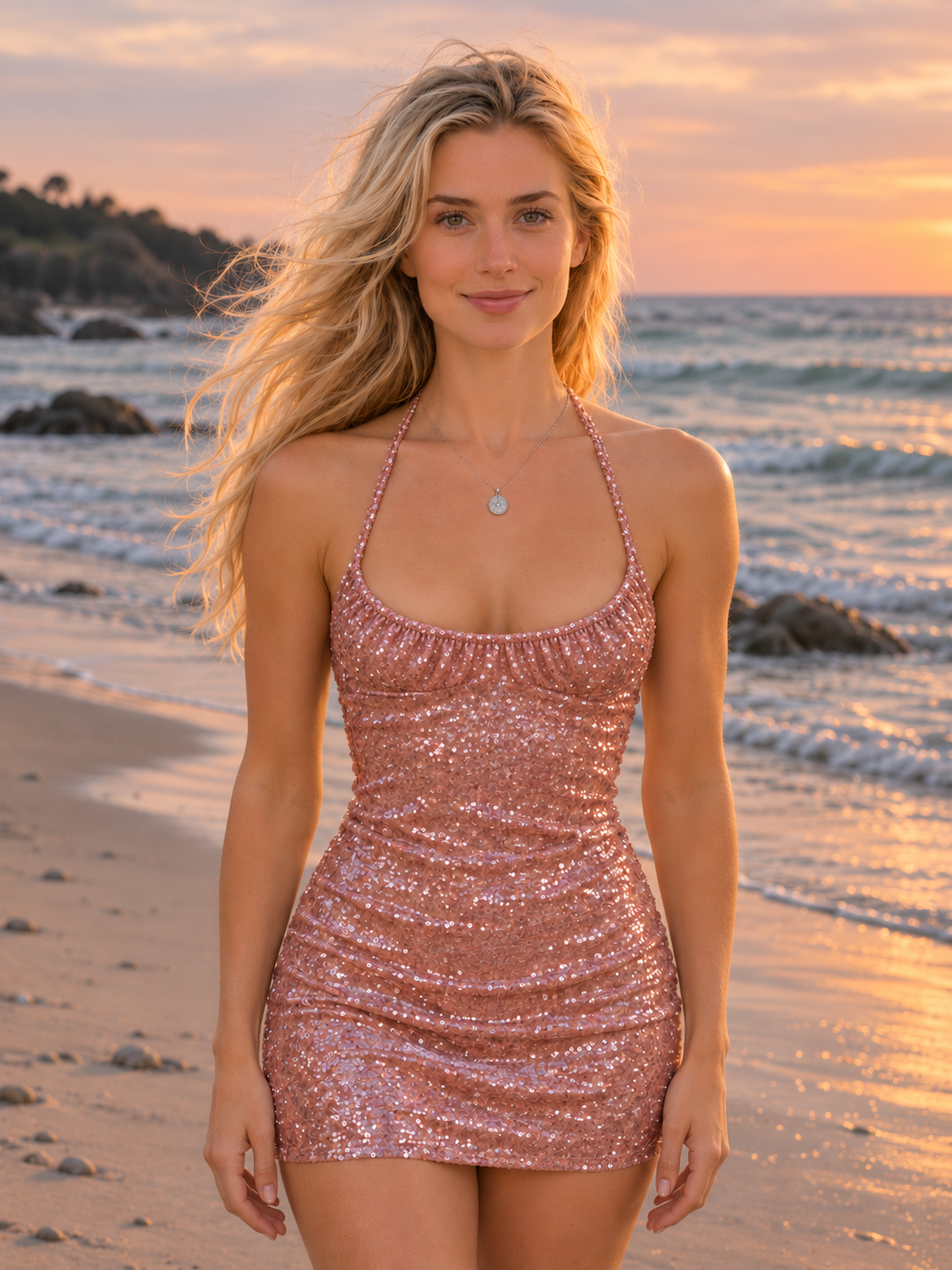
Choose the format that fits your idea: a moving scene or a still image, starting from photos or from words.
Make an AI Kiss Video from Photos
Use two adult portraits or one couple photo as your starting point. Choose a kiss template with the action and camera view you want.
Explore image to video ↗Write a Kiss Scene for Video
No photos? Describe two adult characters, where they meet, and how the kiss unfolds. Add a camera direction to make the scene easier to picture.
Explore text to video ↗Restyle a Couple Photo
Start with a photo of two adults and try a new kiss setting for a still image. You can describe the pose, light, and overall look.
Explore image to image ↗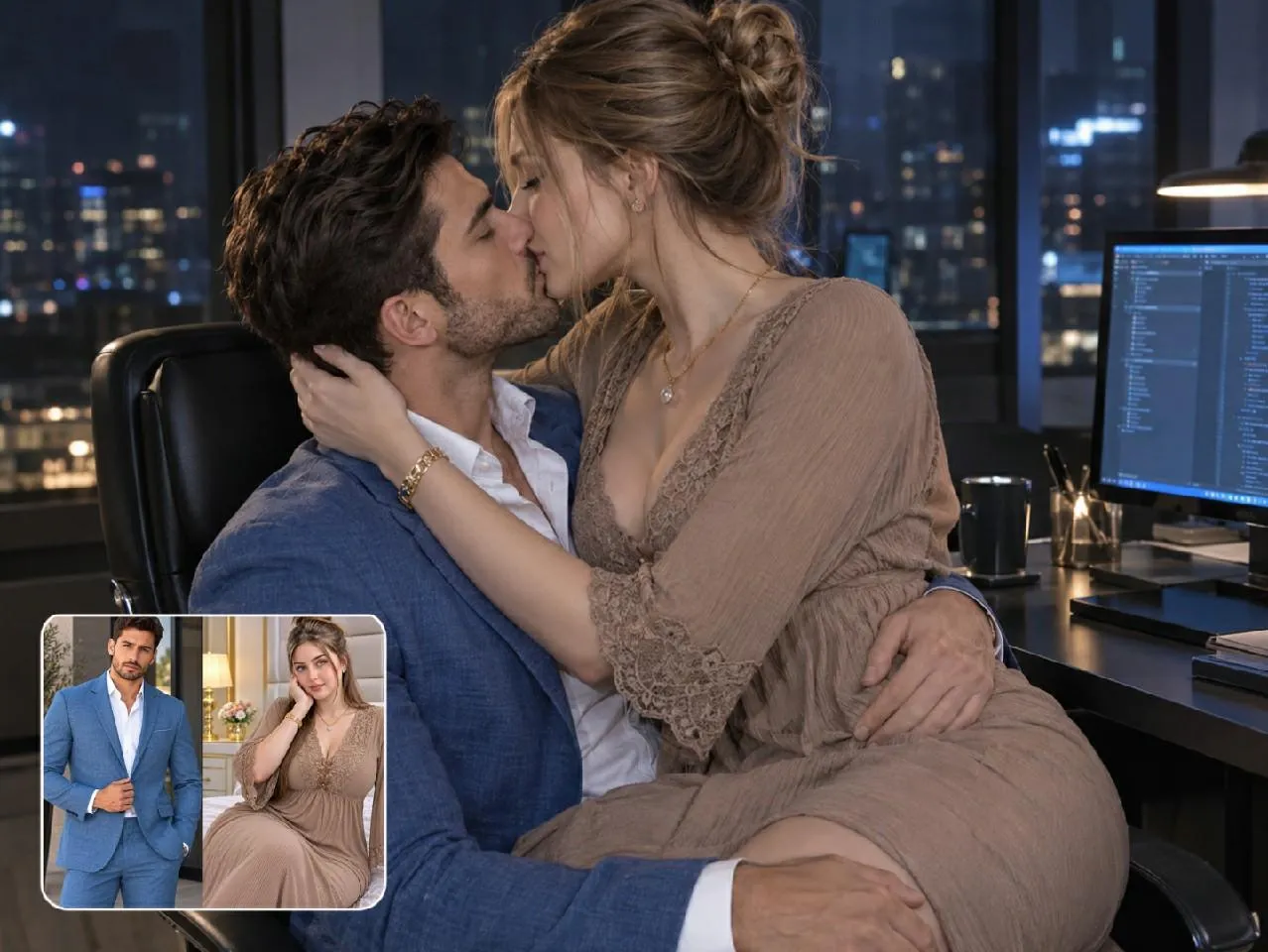
Describe an AI Kiss Image
Start with words instead of a photo. Set the characters, the kiss, and the backdrop for an original still-image idea.
Explore text to image ↗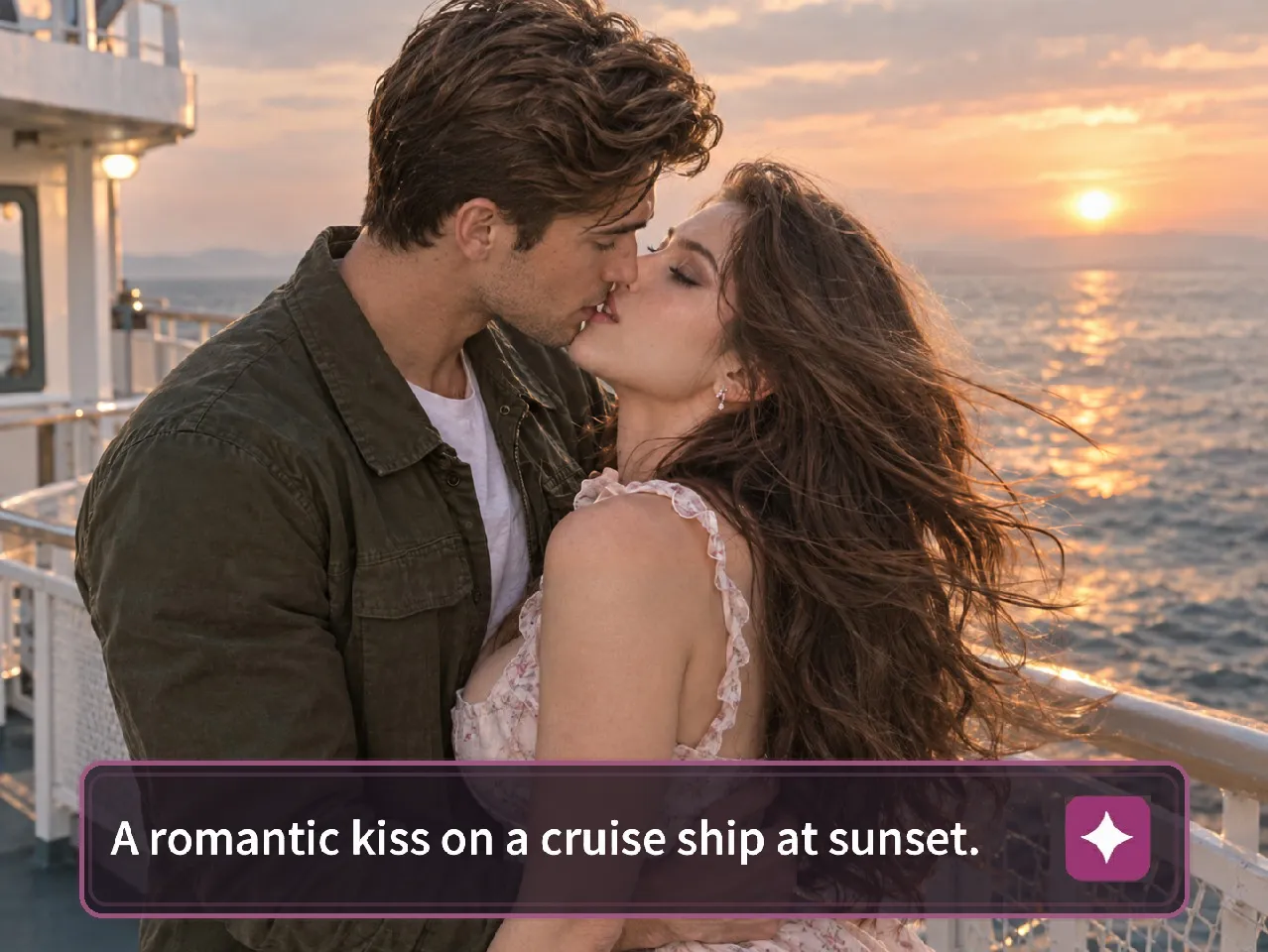
How to Use the AI Kissing Generator
Create your AI kiss image or video in three simple steps.
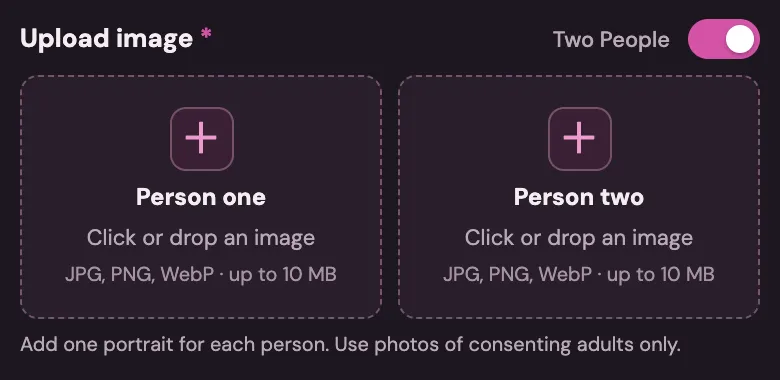
Upload Your Photos
Add two adult portraits or one photo showing both people.
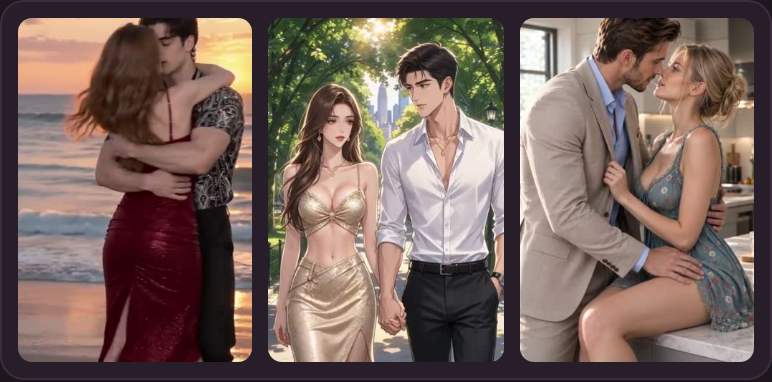
Choose a Kiss Template
Browse the video previews and select the gesture or setting that fits your scene.
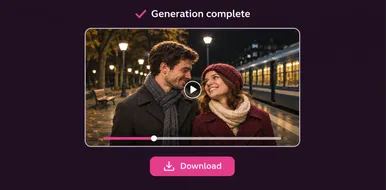
Generate & Download
Click Generate to create your kiss image or video. Once it’s ready, download it to save or share.
Why Choose Kissee for AI Kiss Videos?
Find your kiss style among 15+ video templates, see it in motion, and get started with the photos you already have.
Find a Style That Fits Your Story
Explore 15+ kiss video templates, from gentle cheek kisses to romantic and fantasy scenes.
Create with Multiple AI Models
Generate AI kiss videos with Kling, Vidu, Seedance, and more. Choose the model that fits the look and movement you want.
Make Images and Videos in One Place
Start from photos or words, then create a still image or a moving kiss scene to match your idea.
Uncensored Kiss Ideas, Unlimited Creative Possibilities
Explore sweet, playful, and bolder kiss scenes for different relationships, moods, and stories—without being locked into one formula.
Explore More AI Kiss Tools
Find a video or image workspace, then browse model pages and kiss styles for more scene ideas.
What Users Say About Kissee
I’m not a professional designer, so I was looking for something simple to use. Kissee made the whole process surprisingly easy. I just picked a template, added my ideas, and got a result I actually loved. Definitely a great tool for beginners!
What I like most about Kissee is the variety of templates. Whenever I have a new idea, I can find a style that fits what I'm trying to create. It saves me so much time compared to starting everything from scratch.
I've tried quite a few AI image tools, but having different models available in one place is really convenient. I enjoy experimenting with different styles and seeing how each model interprets my prompts. It makes creating images a lot more fun.
I needed a quick way to turn my ideas into short videos without spending hours editing. Kissee has made that much easier. The video templates are helpful, and I love being able to experiment with different creative styles.
It's nice not having to jump between different websites for image and video creation anymore. I can explore different models and create different types of content all in one place. That alone makes Kissee worth keeping in my toolkit.
AI Kissing Generator FAQs
How do I make an AI kiss video from two photos?
Select Two People and add one adult portrait for each person. Choose a template, then use Generate with available Kissee credits to open the demo sign-in step and an illustrative sample.
Can I use one couple photo instead?
Yes. Turn off Two People and add one photo showing both consenting adults.
What makes a good AI kiss video template?
Choose a setting and gesture that suit your photos. For example, a wedding template suits formal portraits, while a rainy-night scene suggests reflected lights and a close embrace.
Can I generate a video directly on this page?
Yes. Upload your photos, choose a kiss template, and generate your video directly on this page. Once it’s ready, you can download and share it.
Can I create an AI kiss video without photos?
Yes. Use Text to Video to describe adults, setting, action, and camera movement without uploading source images.
Can I make an AI kiss image here too?
Yes. Use Image to Image to plan from a couple photo, or Text to Image to start with words. Both pages let you open a sample image preview in their own workspace.
Create Your AI Kiss Video Online
Upload two portraits or a couple photo, choose a kiss template, and create a video to download and share.